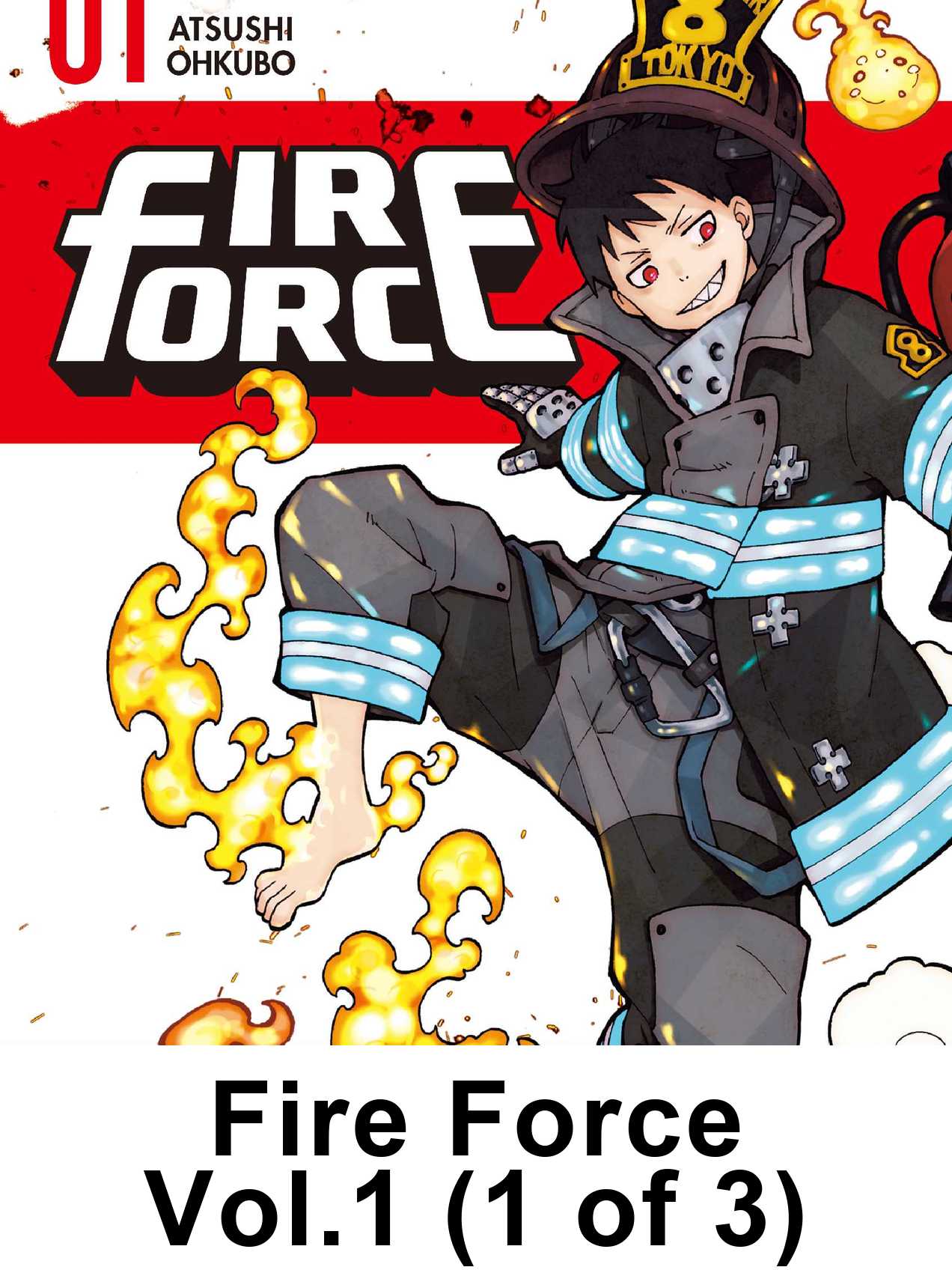
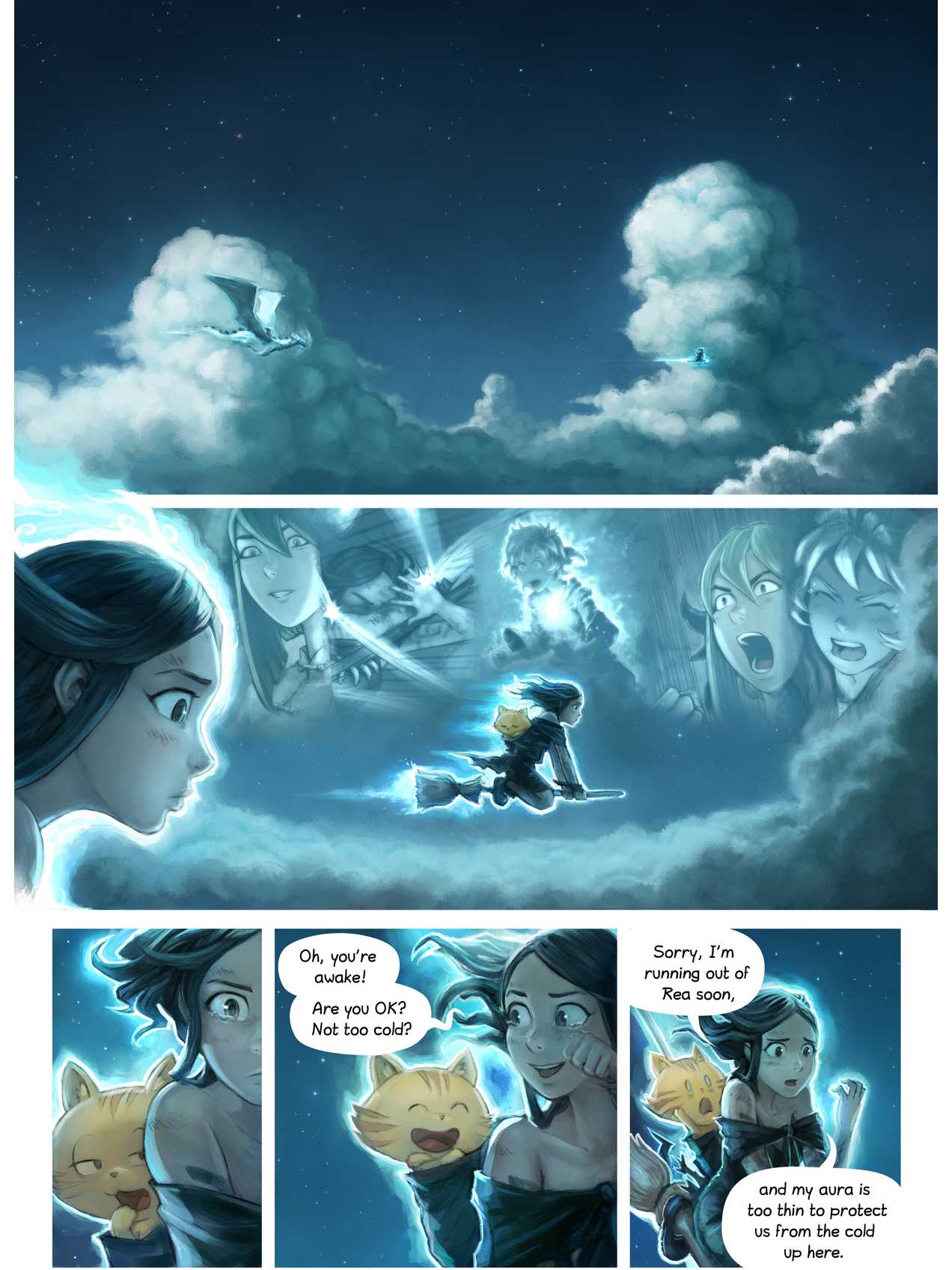
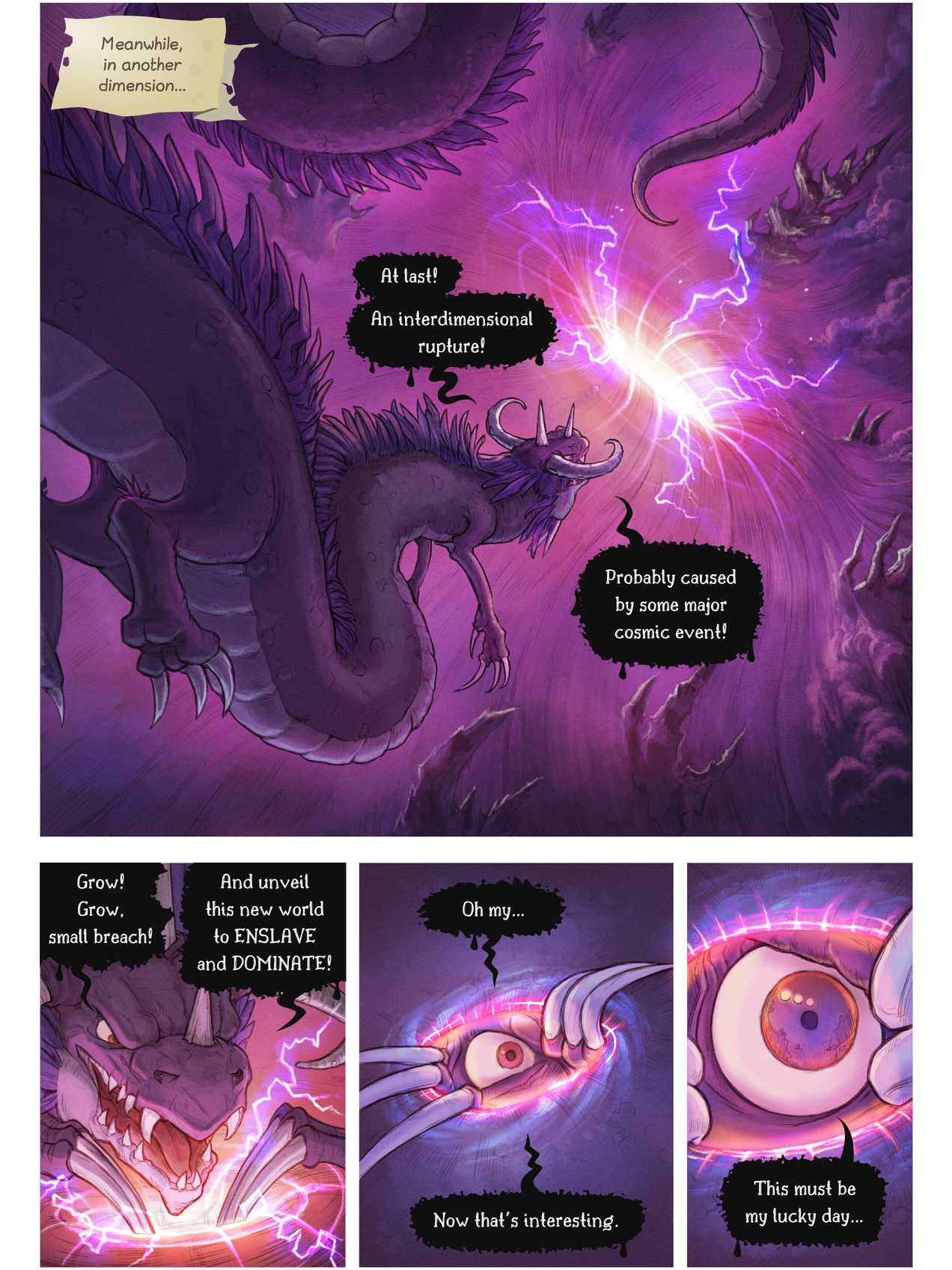
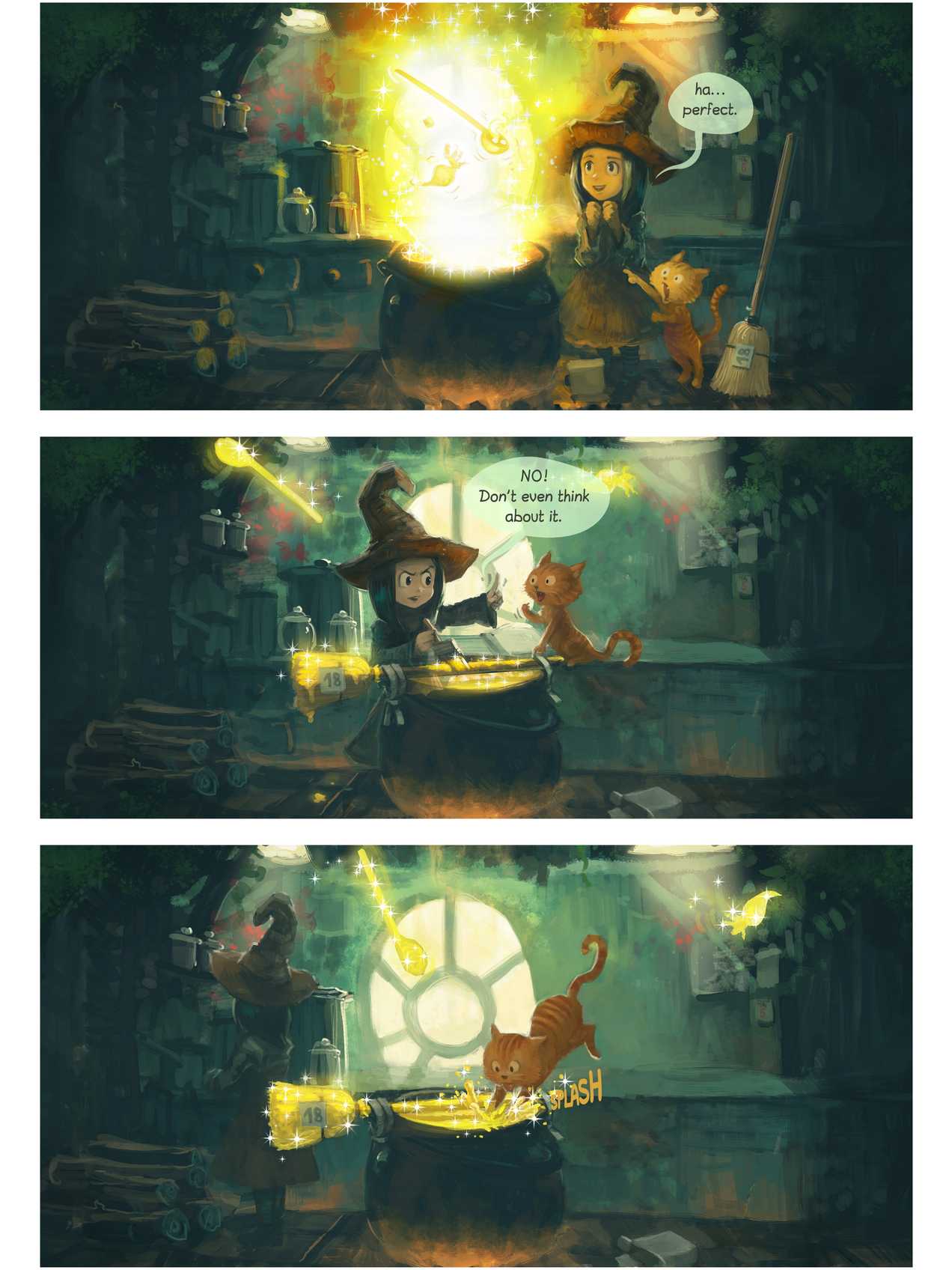
Page size and color
Pick Colorsoft (2024 or newer, 7-inch) for your Kindle in MangaSendr, including the 2026 model and the Signature Editions. Every page is built at 1272 x 1696 and keeps its color. Black-and-white Kindles get greyscale pages with a contrast boost. A Colorsoft gets the color pages without that boost.
The 1272 x 1696 size follows the profile KCC, the free Kindle Comic Converter, uses for the 7-inch screen. The 2026 model uses the same profile.
The 11-inch Kindle Scribe Colorsoft keeps color too, with bigger pages at 1986 x 2648. See manga on the Kindle Scribe.
Sending files to your Colorsoft
A Kindle doesn't open CBZ or CBR files, and Amazon's Send to Kindle doesn't accept them. MangaSendr turns a CBZ, ZIP, PDF, image-based EPUB or a set of images into a fixed-layout EPUB built for your Colorsoft, then emails it to the Kindle's Send to Kindle address.
- Make a free account and add your Kindle: its @kindle.com address and its model.
- In your Amazon settings, add MangaSendr's sending address to your approved list. You do this once. A free 5-page test file then lands on your Kindle so you can see it worked.
- Send your files from any browser, even on a phone. You can pick several volumes at once and they go out in order.
Big volumes arrive in parts small enough for Amazon's email, each with its own cover and named (1 of 3) and so on, so they sort in order. Most files show up within a few minutes. How MangaSendr works has the whole flow.
Black-and-white manga on a color screen
Amazon lists the Colorsoft screen at 300 ppi for black-and-white content, the same as the Paperwhite, and 150 ppi for color. That is how color e-ink works today: black-and-white lines stay as sharp as on a Paperwhite, and color looks like a printed comic rather than a tablet.
Most manga is printed in black and white, and the Paperwhite and the Colorsoft get the same page size. The Colorsoft's color layer is for color comics, webtoons and colorized editions. The best e-reader for manga guide compares the two.
Comics that read left to right
Western comics turn left to right. When you upload one in the web app, choose Left to right (comics) under Reading direction. Manga stays right to left by default. The free converter always builds right to left.
How to read comics you own on a Kindle covers CBZ, CBR and PDF comics, bundles and crowdfunding rewards.
What's checked and what isn't
- The converter output. The pages at the top of this page are the real images MangaSendr puts in the EPUB for this Kindle, generated and checked on October 8, 2026.
- The page sizes. Each size in the page sizes list on this page says where it comes from. Sizes taken from KCC's profile are being checked on a real device.
- On the device itself. We haven't tested these pages on a real Kindle Colorsoft yet. This page will say so when we have.
Facts on this page checked on .