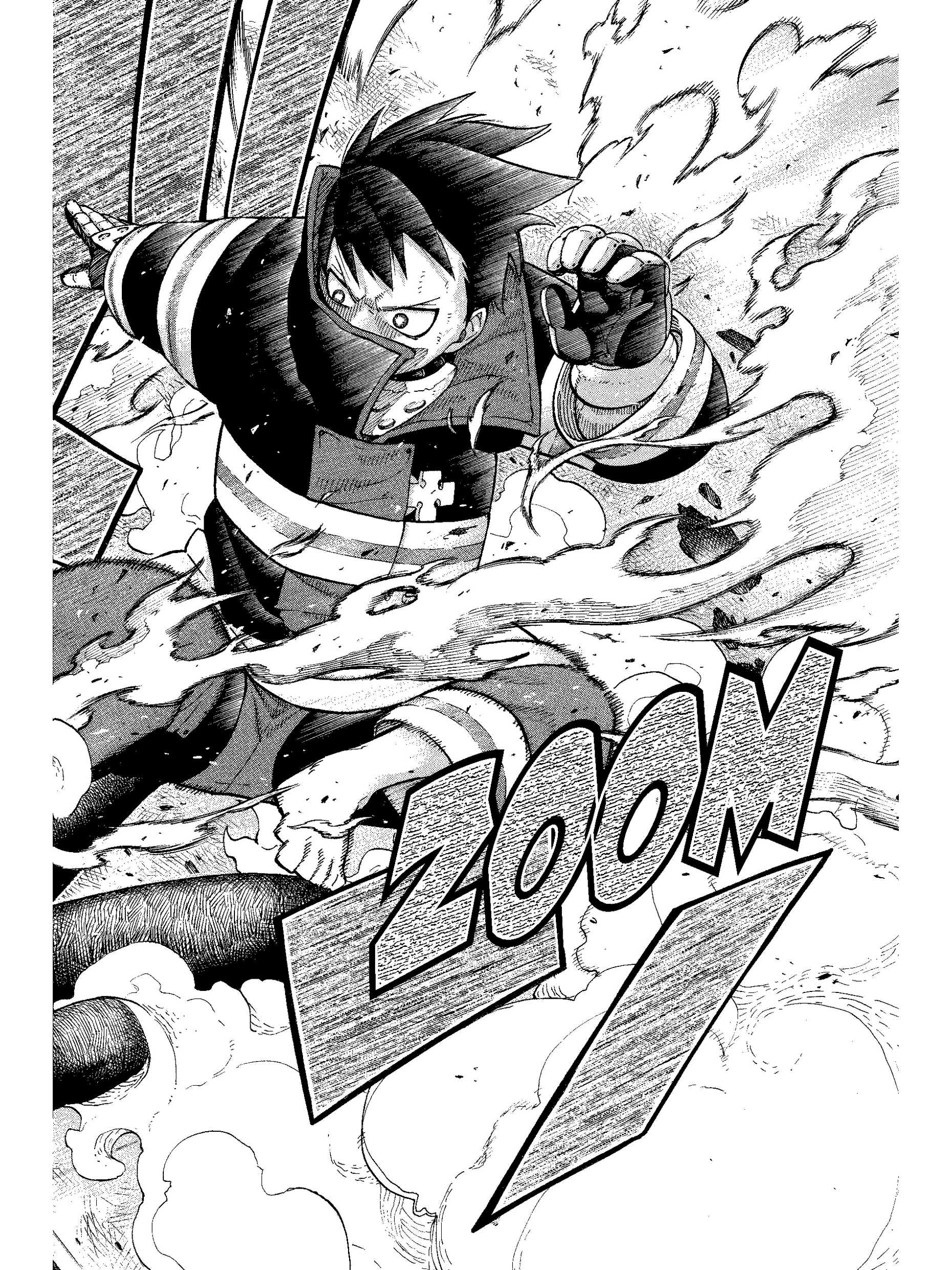
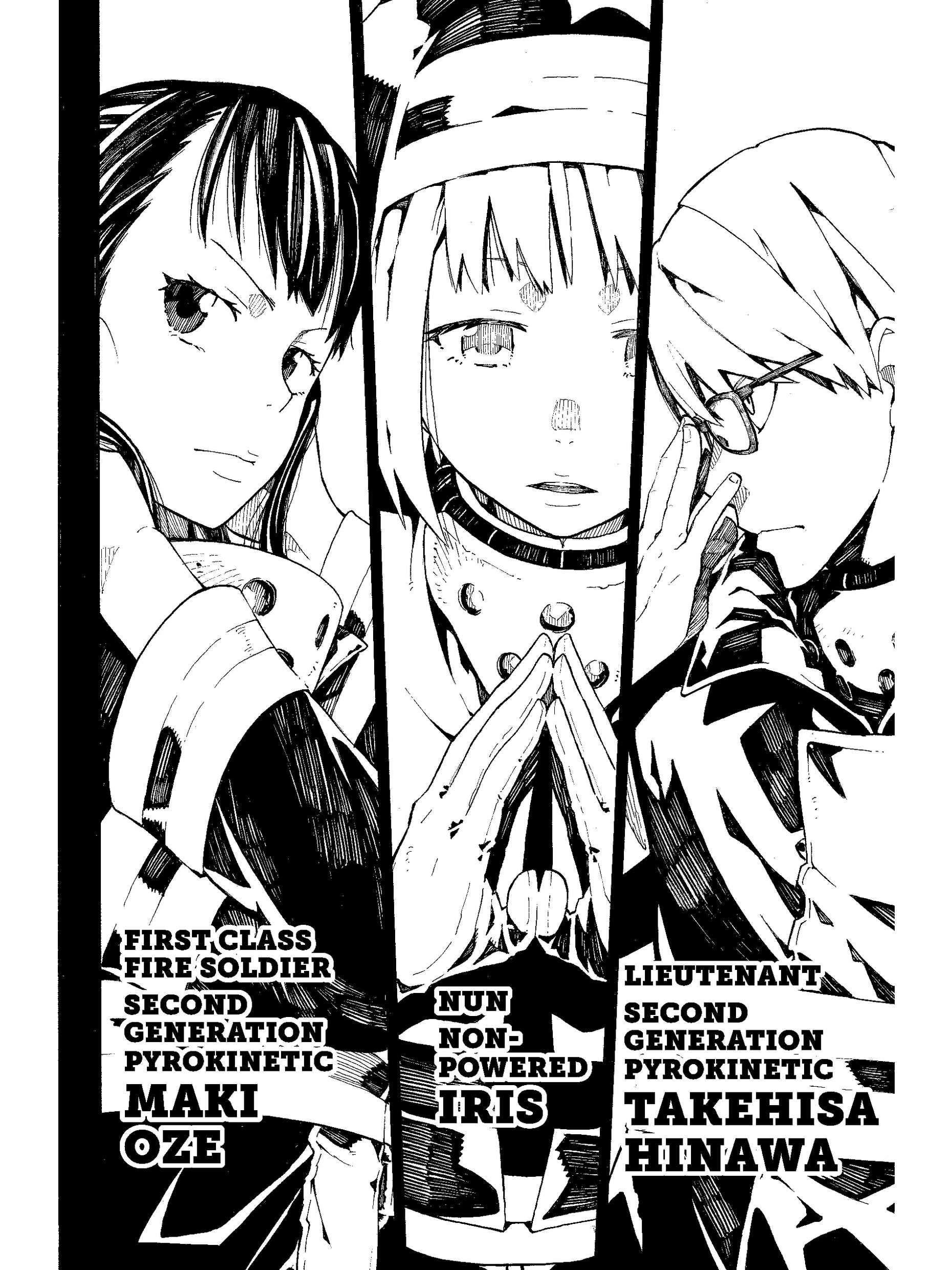
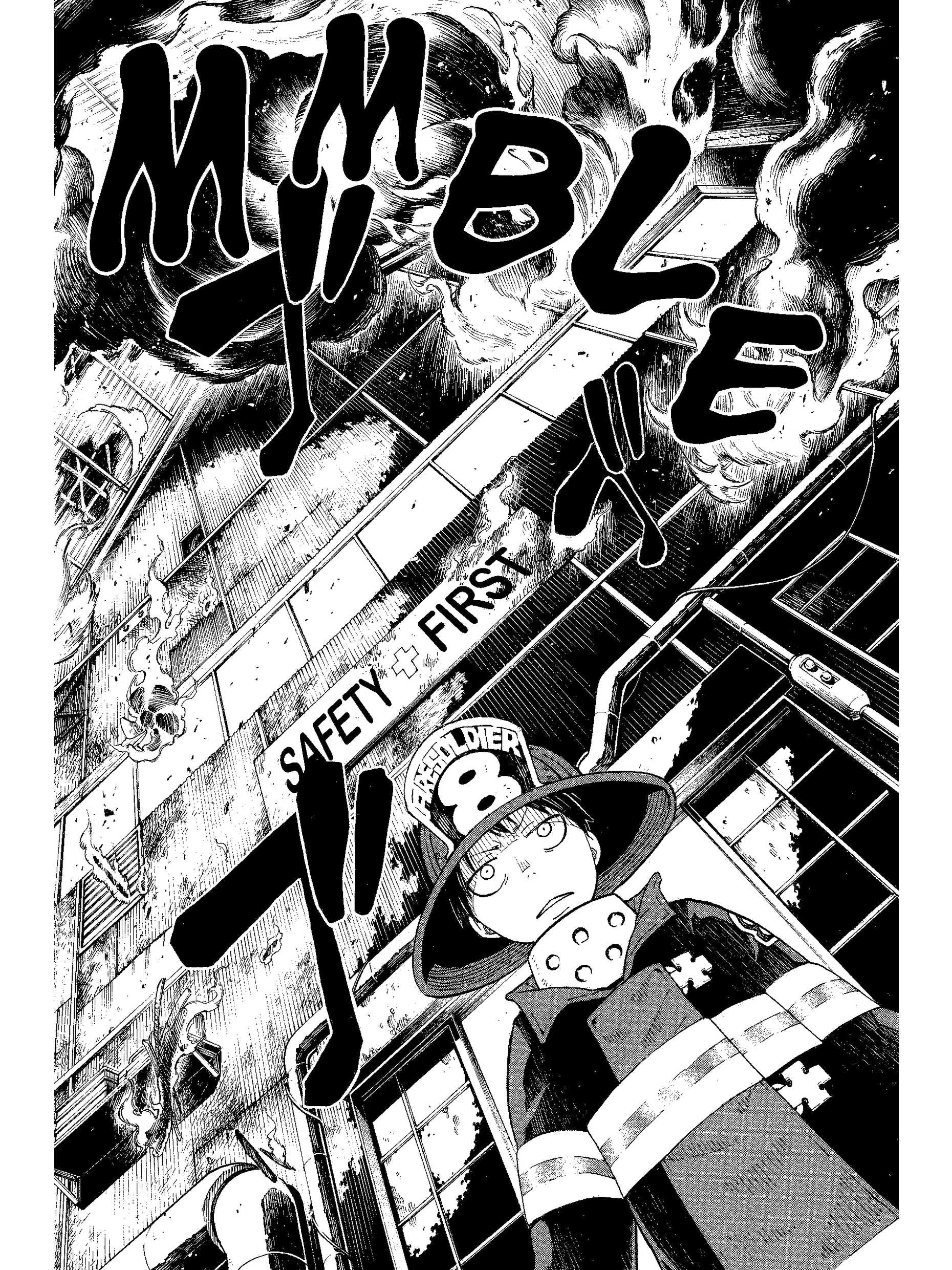
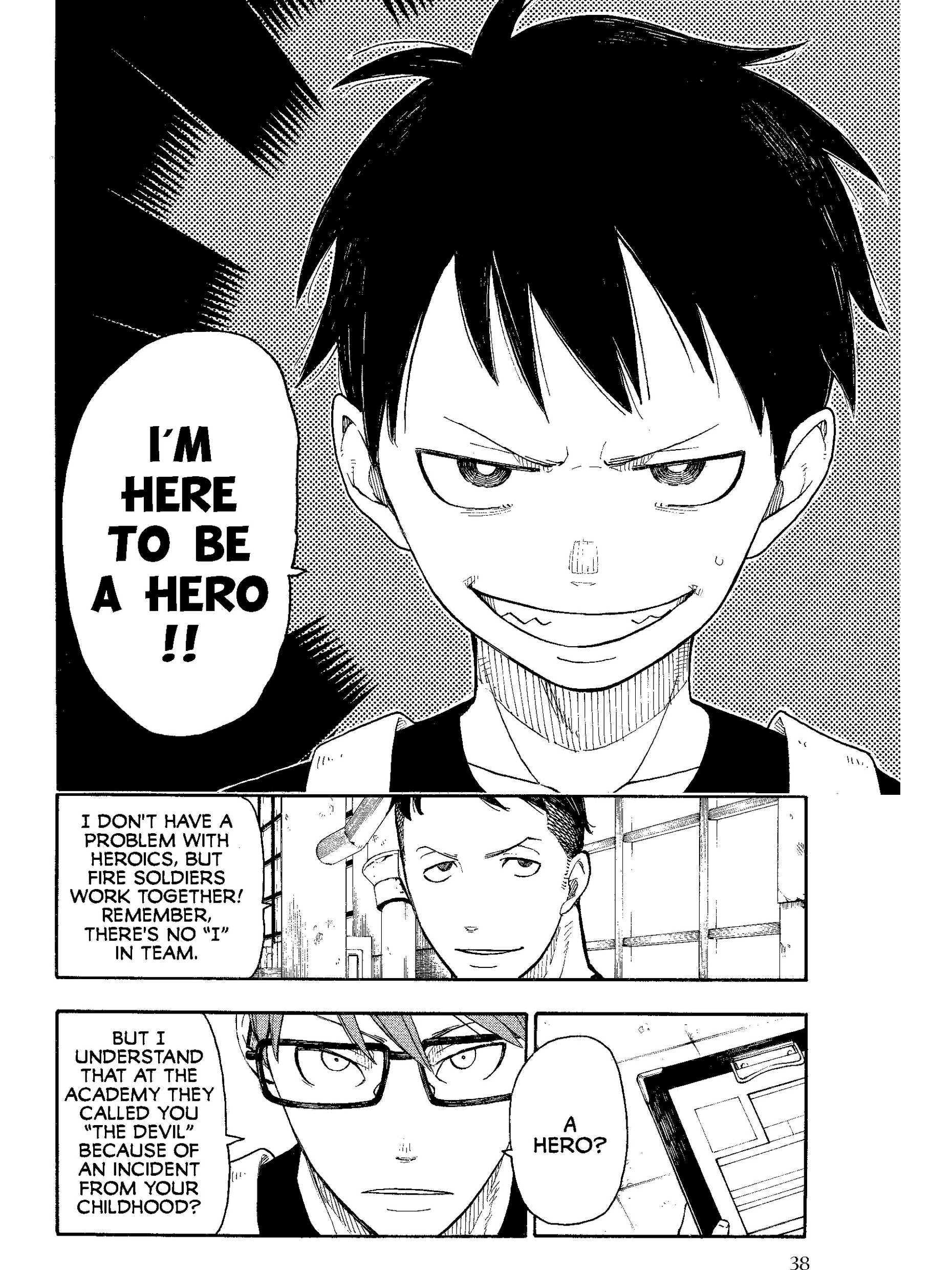
Three Scribes and their page sizes
Amazon has made three Scribes. Your Amazon account shows which one you have under Manage Your Content and Devices, then Devices.
- Kindle Scribe (2022 or 2024), 10.2-inch, black and white: 1860 x 2480.
- Kindle Scribe (3rd generation), 11-inch, black and white: 1986 x 2648.
- Kindle Scribe Colorsoft, 11-inch, color: 1986 x 2648, in color.
The 11-inch Scribes went on sale in late 2025. Their 1986 x 2648 size follows the profile KCC, the free Kindle Comic Converter, uses for them. The 10.2-inch size is the standard one for that screen. The pages shown on this page were built for the 10.2-inch Scribe.
Spreads in landscape
The Scribe's big screen gives two-page spreads more room than any other Kindle. MangaSendr turns any page that is wider than it is tall by 90 degrees, so when you hold the Scribe sideways the spread gets the long side of the screen: up to 2480 pixels across on the 10.2-inch model and 2648 on the 11-inch ones. The way it turns follows the reading direction.
Scribe Colorsoft
Pick Scribe Colorsoft (11-inch) and pages keep their color at 1986 x 2648. Amazon lists its screen at 300 ppi for black and white and 150 ppi for color, like the 7-inch Colorsoft. The black-and-white Scribes get greyscale pages with a contrast boost, which you can turn off in Settings.
Bigger pages, bigger files
A Scribe page has more than twice the pixels of a Paperwhite page, and the file grows with it. The six demo pages on this site came to a 2.2 MB EPUB for the 10.2-inch Scribe and 1.2 MB for the 7-inch Paperwhite.
Amazon's Send to Kindle email takes up to 50 MB per email, so MangaSendr splits big volumes into parts that fit. A volume that goes out in one part for a Paperwhite can need more parts for a Scribe. Each part has its own cover and a name like (1 of 3), so they sort in order. Send to Kindle size limits has the details.
A bigger page can't add detail the source doesn't have. A clean, high-resolution scan looks far better on a Scribe than a small, heavily compressed one.
Sending files to your Scribe
A Kindle doesn't open CBZ or CBR files, and Amazon's Send to Kindle doesn't accept them. MangaSendr turns a CBZ, ZIP, PDF, image-based EPUB or a set of images into a fixed-layout EPUB built for your Scribe, then emails it to the Kindle's Send to Kindle address.
- Make a free account and add your Kindle: its @kindle.com address and its model.
- In your Amazon settings, add MangaSendr's sending address to your approved list. You do this once. A free 5-page test file then lands on your Kindle so you can see it worked.
- Send your files from any browser, even on a phone. You can pick several volumes at once and they go out in order.
Big volumes arrive in parts small enough for Amazon's email, each with its own cover and named (1 of 3) and so on, so they sort in order. Most files show up within a few minutes. How MangaSendr works has the whole flow.
Reading direction
MangaSendr sets every volume to turn right to left by default, like printed manga. For a Western comic, choose Left to right (comics) under Reading direction when you upload the file in the web app. The free converter always builds right to left. More in reading manga right to left on a Kindle.
What's checked and what isn't
- The converter output. The pages at the top of this page are the real images MangaSendr puts in the EPUB for this Kindle, generated and checked on October 8, 2026.
- The page sizes. Each size in the page sizes list on this page says where it comes from. Sizes taken from KCC's profile are being checked on a real device.
- On the device itself. We haven't tested these pages on a real Kindle Scribe yet. This page will say so when we have.
Facts on this page checked on .