Manga on every Kindle model
Pick your Kindle once and every page arrives sized for its screen. Color stays on the Colorsoft and Scribe Colorsoft.
You don't need a card, and there's nothing to install.
Four Kindles, drawn to scale
Each Kindle holds the same Fire Force page as MangaSendr builds it for that model. The bodies follow Amazon's published dimensions, all at one scale, so you can compare the screens as they are.
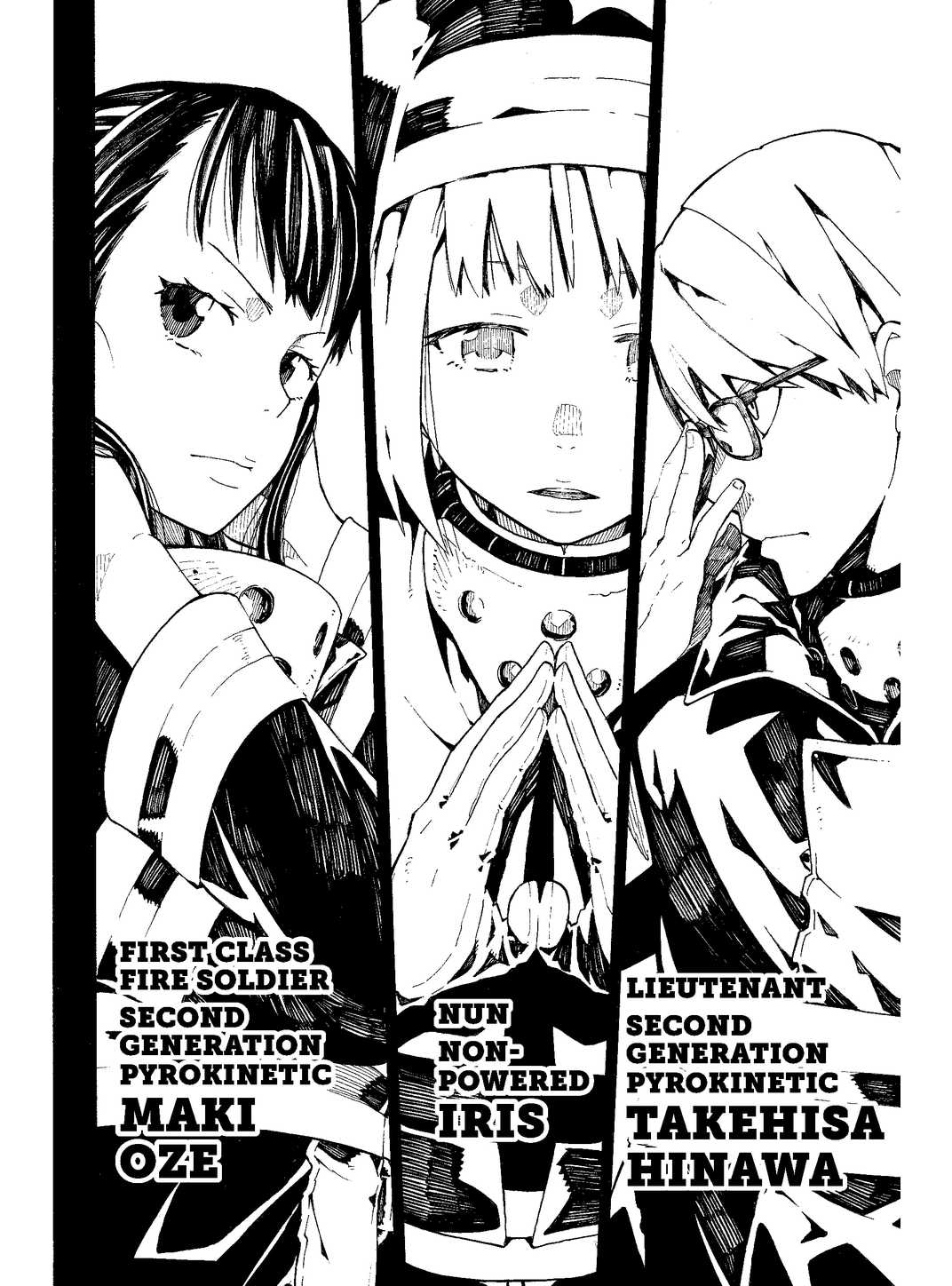
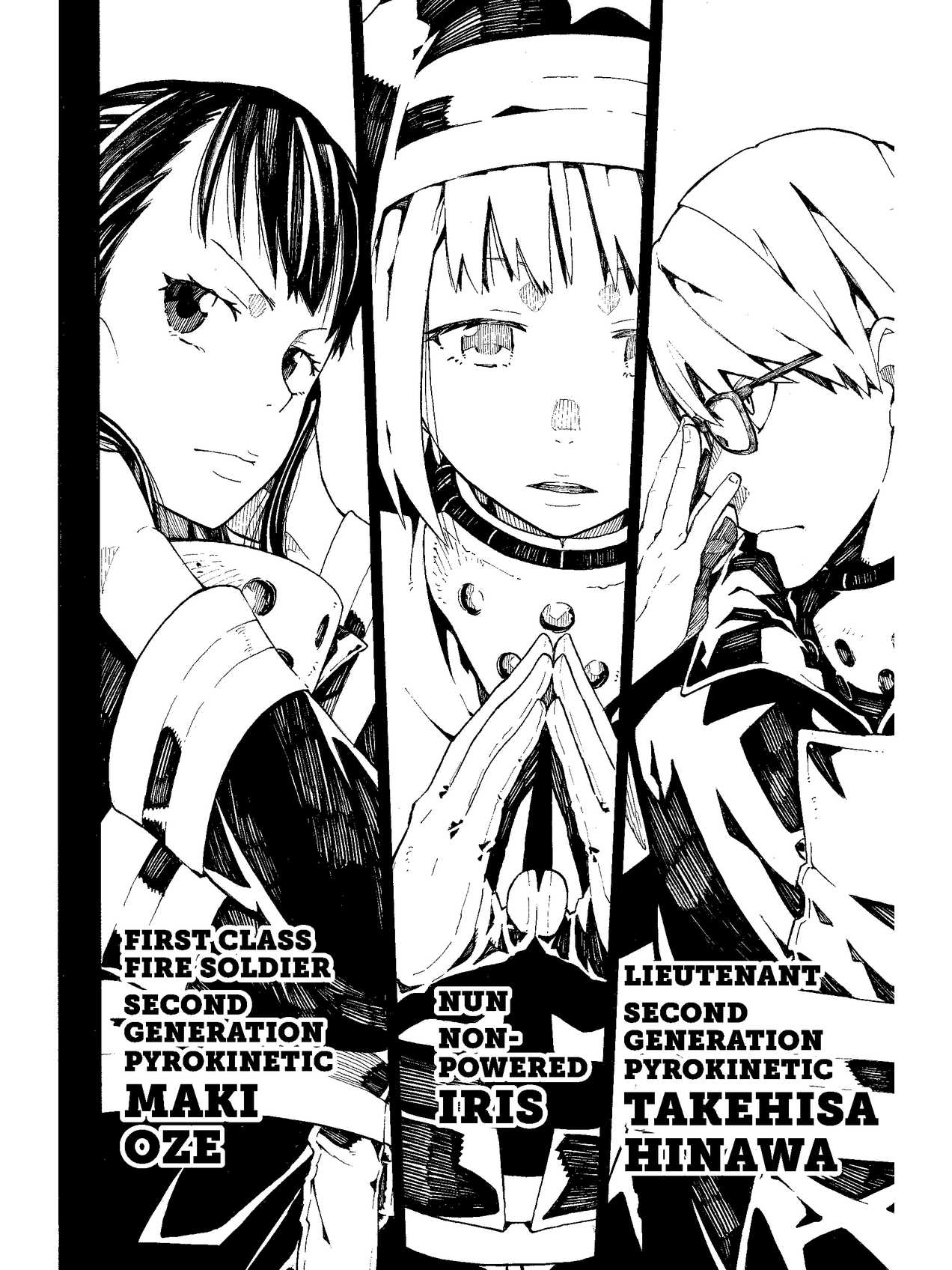
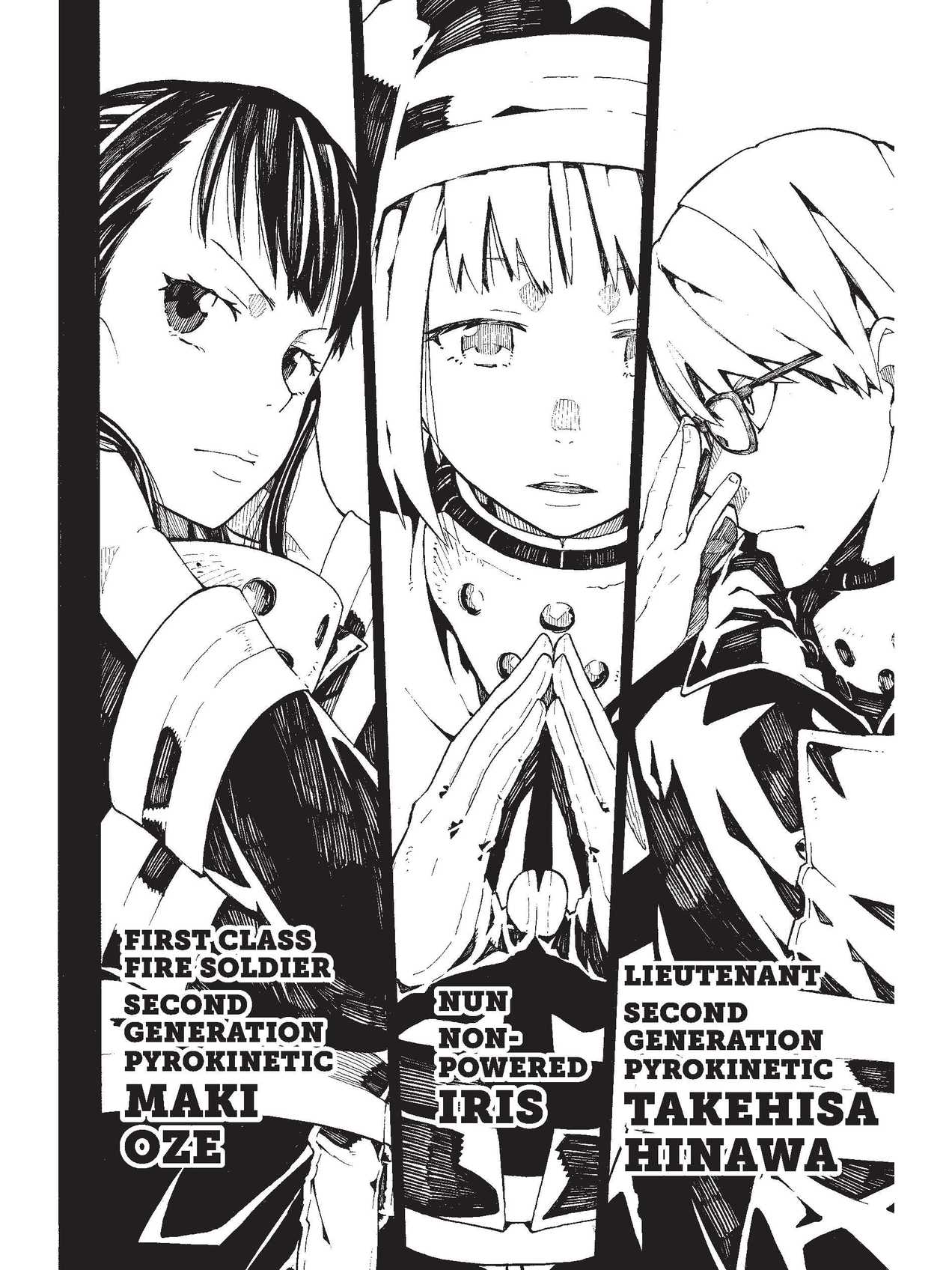
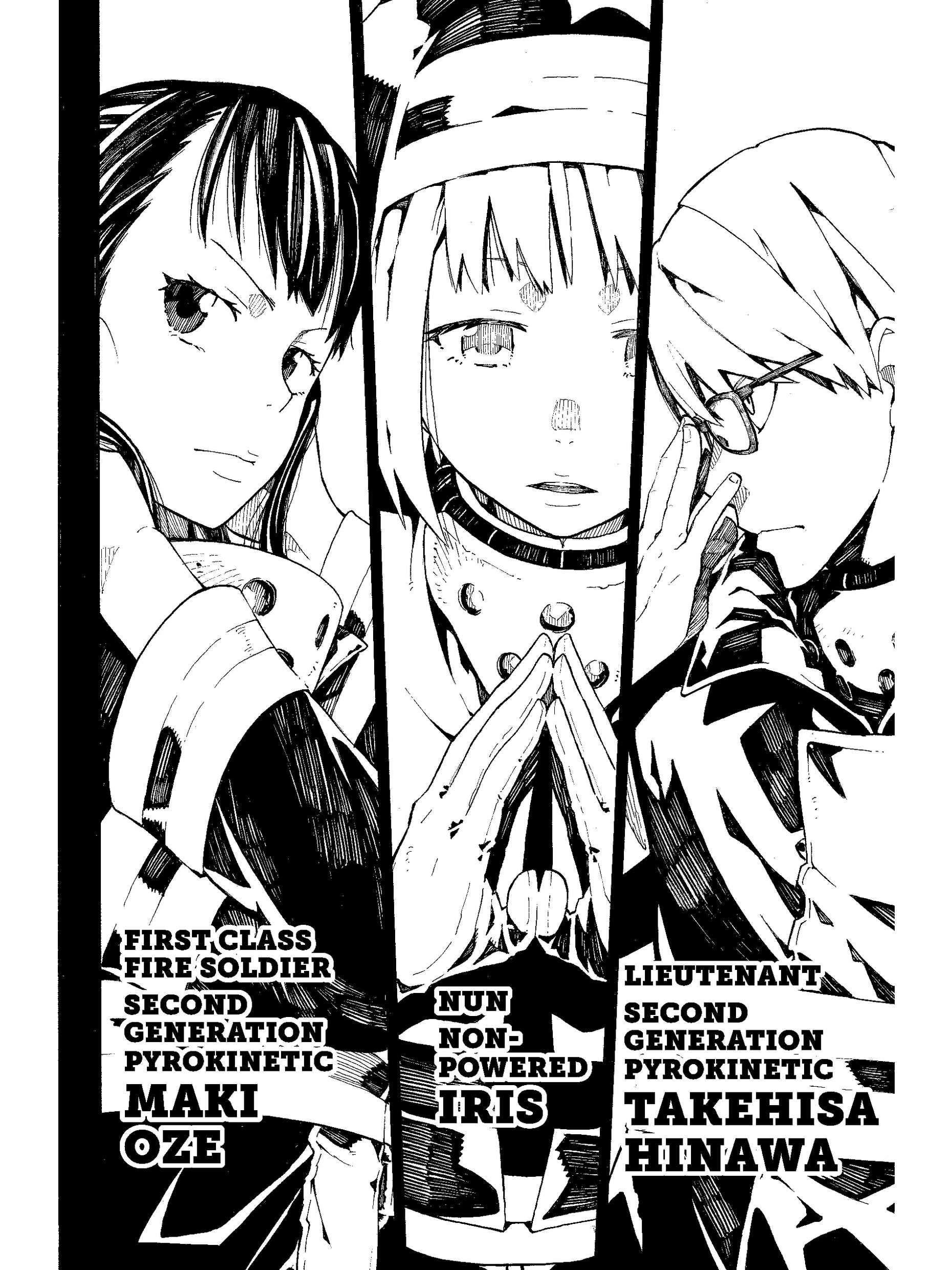
The 11-inch Scribe and Scribe Colorsoft get bigger pages, 1986 x 2648. Fire Force vol. 1 by Atsushi Ohkubo (Kodansha), from Thomas's own copy, converted with MangaSendr.
Page sizes for every Kindle model
These are the profiles you can pick in MangaSendr, in the same order as the app. Each page of a volume is built at the size in the second column.
| Kindle | Page size (px) | Color | Confidence |
|---|---|---|---|
| Paperwhite (2024 or newer, 7-inch) | 1272 × 1696 | No | From KCC's profile |
| Colorsoft (2024 or newer, 7-inch) | 1272 × 1696 | Yes | From KCC's profile |
| Kindle Basic (2022 or newer, 6-inch) | 1072 × 1448 | No | Standard |
| Scribe Colorsoft (11-inch) | 1986 × 2648 | Yes | From KCC's profile |
| Scribe (3rd generation, 11-inch) | 1986 × 2648 | No | From KCC's profile |
| Scribe (2022 or 2024, 10.2-inch) | 1860 × 2480 | No | Standard |
| Paperwhite (2021, 6.8-inch) | 1236 × 1648 | No | Standard |
| Oasis (2017 to 2019, 7-inch) | 1264 × 1680 | No | Standard |
| Paperwhite (2015 to 2018, 6-inch) | 1072 × 1448 | No | Standard |
| Kindle Basic (before 2022, 6-inch) | 600 × 800 | No | Standard |
Standard sizes are the screen sizes these Kindles are known to have. The 7-inch models from 2024 on and the 11-inch Scribes use the sizes from the profile KCC, the free Kindle Comic Converter, has for them. We're checking those on real devices and will change the table if a size turns out to be different.
The sizes apply when MangaSendr sends a volume to your Kindle. Downloads from the free converter use the 6-inch size, 1072 x 1448, and copies over USB from the Mac and Windows app use 1236 x 1648.
Kindles older than 2015
MangaSendr has a page size for every Kindle Paperwhite since 2015, the Oasis from 2017 to 2019, every Scribe and Colorsoft, and the 6-inch Kindle. Any 6-inch Kindle Basic from before 2022 gets the 600 x 800 profile, the size of its screen.
The first two Paperwhites, from 2012 and 2013, have no profile of their own, and neither does any other Kindle missing from the table. If yours isn't listed, the pages MangaSendr builds won't match its screen.
The 6-inch Kindle
The 6-inch Kindle from 2022 or newer gets 1072 x 1448 pages in greyscale, with a contrast boost that you can turn off in Settings. A printed manga volume is about 5 by 7 inches, so a 6-inch screen shows each page a little smaller than print. It works, and the 7-inch models give the art more room. There's no separate page for it here because everything on the Paperwhite page applies, only the size changes.
Getting files onto any Kindle
Every Kindle in the table gets files the same way, through Amazon's Send to Kindle email. You add MangaSendr's sending address to your approved list in your Amazon settings once, a free 5-page test file shows it worked, then you send files from any browser. Big volumes arrive in parts small enough for Amazon's email, each with its own cover. How MangaSendr works has the whole flow.
If you just got a Kindle, setting up a new Kindle for manga walks through the Amazon side step by step. If you're still choosing one, the best e-reader for manga in 2026 compares Kindle, Kobo and Android e-ink readers. How to read manga on a Kindle covers the Kindle Store and the free tools too.
Facts on this page checked on .
Pick your Kindle once and send a volume
You don't need a card, and there's nothing to install. After your free volume it's $29 once, not per volume, and it doesn't renew.