The hidden cost of cloud storage for manga hoarders
Paying for cloud storage to hold a manga library adds up over the years. Why a local drive is cheaper, and how to get volumes from it to your Kindle.
2 min read
How much space manga takes
Cloud storage works well for documents and photos. For a digital manga collection, it gets expensive.
A typical high-quality digital volume of manga sits around 150MB to 200MB. If you collect long-running series (think One Piece, Hajime no Ippo, or Detective Conan), a single series can take 20GB of space. A collection of a few hundred volumes quickly passes 100GB.
The monthly cost
Free tiers for services like Google Drive (15GB), Dropbox (2GB), or iCloud (5GB) fill up fast with manga, so a real library means a paid plan.
- A 2TB cloud plan typically costs around $10 to $12 a month (or $120+ a year).
Over five years, that's $600 to "rent" shelf space for files you already own.
Tying your library to one company
If you rely entirely on Amazon's cloud (via Send-to-Kindle) or Kobo's ecosystem, you are tying your library to a single company. If you ever switch from a Kindle to a Kobo or an Android tablet, moving a cloud-locked library is hard and often means re-downloading and converting everything from scratch.
Local storage is cheap now
Local storage has become much cheaper. In 2026 you can buy a high-speed 2TB external SSD (Solid State Drive) for roughly $100. That is a one-time cost.
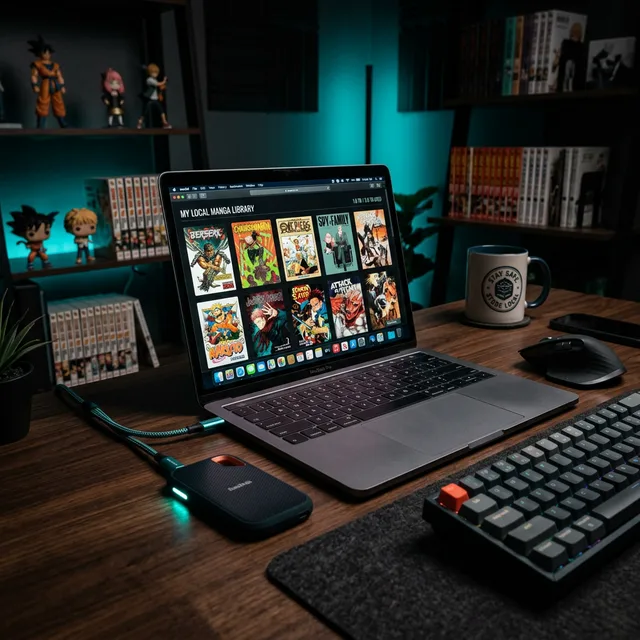
By keeping your primary archive locally on an SSD or a home NAS (Network Attached Storage), you:
- Save money: Dropping a $120/year subscription pays for the drive in less than 10 months.
- Keep control: A terms-of-service change can't alter, compress or delete your files.
- Work offline: You don't need an internet connection to reach your archive.
Getting volumes from the drive to your Kindle
The main argument for cloud storage is convenience: getting the files from your storage to your device. With MangaSendr, you keep your archive on inexpensive local storage on your PC or Mac. When you want to read a series, you drop those volumes into the web app, or let the desktop app send them from a watched folder (it checks about once an hour) or copy them over USB.
MangaSendr converts and sends only what you want to read, so there's no cloud plan to pay for. It doesn't keep your files either: they're deleted from our servers within 24 hours of sending.
Try it with one of your own volumes
Send a CBZ, EPUB or PDF you have. MangaSendr sizes it for your Kindle model and sends it for you.
You don't need a card, and there's nothing to install.