The Ultimate Guide to USB Manga Transfer: Why it’s (Still) the Best Way
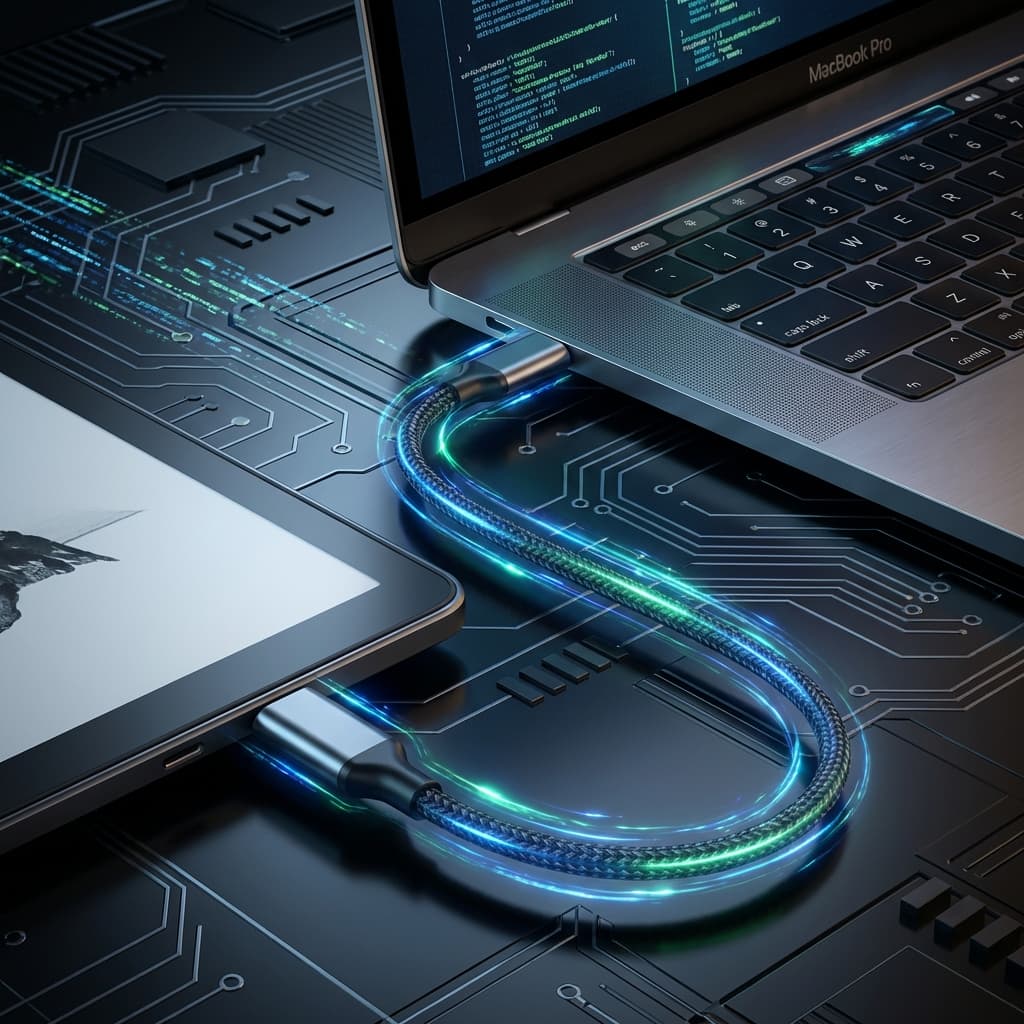
Cloud delivery is magic. You click a button, and the book appears. But for serious manga collectors with libraries spanning hundreds of gigabytes, the cloud has physical limitations.
1. The Size Barrier
Most wireless delivery methods (like Send-to-Kindle) impose strict file size limits—usually 50MB. High-quality manga volumes (especially Omnibus editions) can easily exceed 200MB. This forces you to split volumes into multiple smaller files.
USB has no limits. You can drop a massive 500MB Omnibus edition directly onto your device as a single file, keeping your library clean and organized.
2. Zero Compression Quality
When you send files wirelessly, services often compress images to save bandwidth. This can introduce artifacts, banding in gradients, or muddy blacks.
With USB, the file you transfer is bit-for-bit identical to the source. You get the maximum resolution your screen can handle.
3. Blazing Speed
Transferring a 5GB series wirelessly can take hours depending on your upload speed and server queues. Over a USB-C cable? It takes seconds.
How MangaSendr Makes USB Easy
We've integrated a dedicated USB Mode into MangaSendr. It detects your connected device (Kindle or Kobo), converts your library to the native format (AZW3/KFX for Kindle, KEPUB for Kobo), and pushes it directly to device storage—retaining all metadata and covers.
Ready to upgrade your reading experience?
Stop fighting with file formats. MangaSendr handles everything automatically.
Start reading with MangaSendr