How to Enable Right-to-Left (Manga Mode) on Kindle
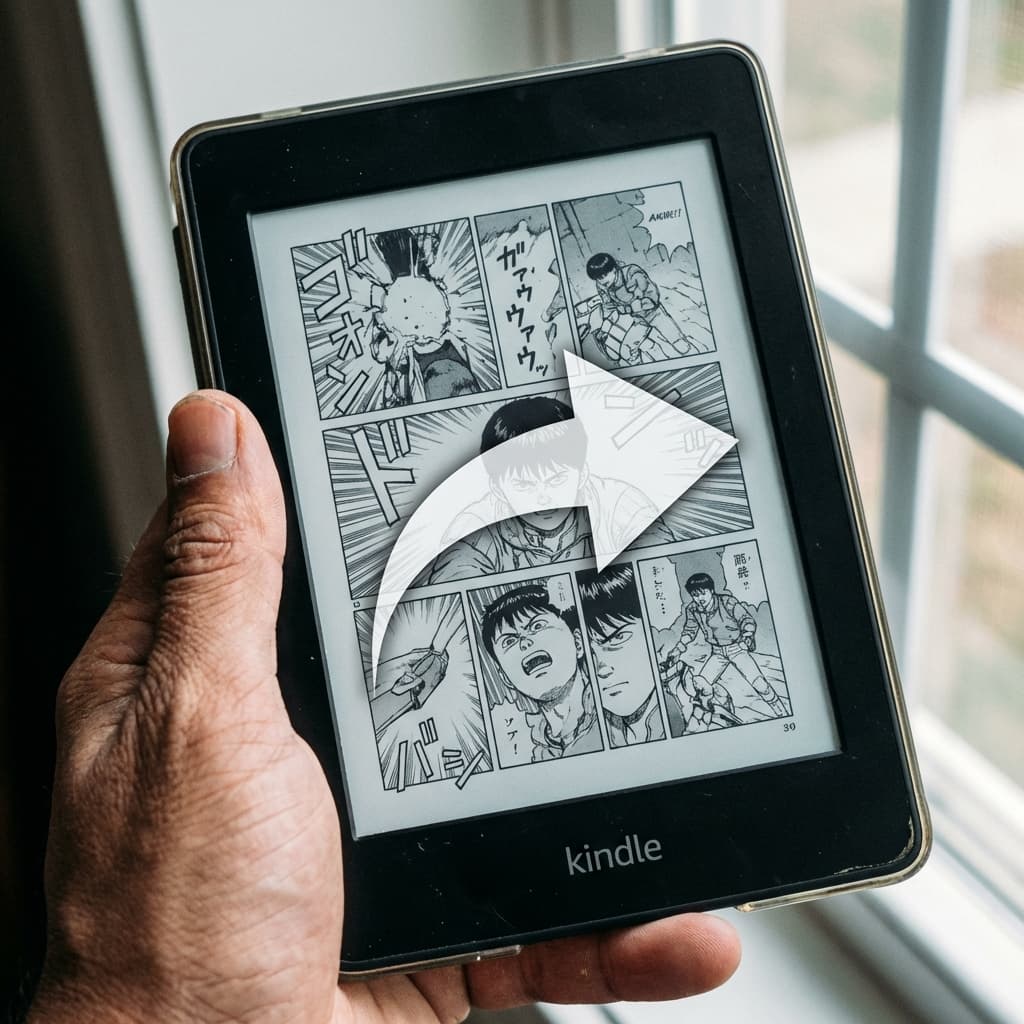
Reading manga left-to-right (like a western book) feels unnatural and can spoil big panel reveals. Thankfully, Kindle has a native "Manga Mode" that supports proper Right-to-Left (RTL) navigation.
How to unlock RTL Layout
Surprisingly, you cannot toggle this setting on the device itself for user-uploaded documents unless the file's internal metadata explicitly requests it.
The Metadata Hidden Tag
If you send a generic PDF or EPUB, Kindle assumes standard Left-to-Right progression. To fix this, the OPF (Open Packaging Format) metadata inside the ebook file must include a specific spine direction:
<spine page-progression-direction="rtl">Most basic converters omit this critical tag. MangaSendr applies this automatically to every file it processes, ensuring that when you tap the left side of the screen, you correctly move to the next page, preserving the author's original intended flow.
Ready to upgrade your reading experience?
Stop fighting with file formats. MangaSendr handles everything automatically.
Start reading with MangaSendr