Kindle vs Kobo: Which is Actually Better for Manga?
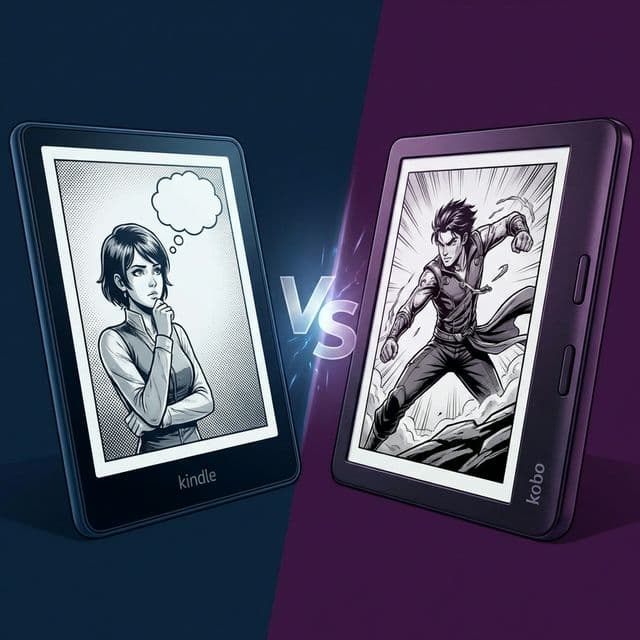
If you're buying an e-reader purely for manga, the decision almost always comes down to two brands: Amazon Kindle and Rakuten Kobo. Let's break down which device provides the ultimate read in 2026.
1. The Screen and Hardware
Kindle (Paperwhite Signature Edition): It boasts a beautiful, flush-front display with incredibly fast page turns. The contrast is arguably the best in the business, yielding very deep blacks which make ink art look fantastic.
Kobo (Libra Colour / Sage): Kobo offers asymmetrical designs with physical page-turn buttons. For manga—where you might turn the page every 3 seconds—buttons are an ergonomic lifesaver. Furthermore, Kobo has aggressively pushed into color e-ink, which is a gamechanger for covers and webtoons.
2. Format Support and Sideloading
The Kobo Advantage: Rakuten Kobo is famously open. It natively supports CBZ and CBR files—the standard formats for digital comics. You can literally plug it into your computer and drag a folder of CBZs over, and they will work flawlessly.
The Kindle Headache: Amazon hates CBZs. You must convert everything into EPUB or AZW3/KFX. If you rely entirely on sideloading your own backups or DRM-free purchases, Kindle forces you through a conversion pipeline.
3. The Great Equalizer: Automation
While Kobo seems like the obvious winner on paper for sideloaders, the reality is that maintaining a massive manga library manually is terrible on both ecosystems.
Whether you have a Kindle or a Kobo, managing metadata, adding covers, and splitting large omnibuses is a chore. This is where MangaSendr bridges the gap.
- If you have a Kindle, MangaSendr handles the format conversion (CBZ to EPUB) behind the scenes, effectively eliminating Kobo's main advantage.
- If you have a Kobo, MangaSendr utilizes its USB delivery mode to push perfect KEPUBs directly to your device with enhanced AniList metadata that native dragging-and-dropping won't get you.
The Verdict
If you want physical buttons and native color, go Kobo. If you value ultra-crisp black-and-white contrast and the massive Amazon store, go Kindle. But whichever you choose, don't waste your life manually converting files—let software do the heavy lifting.
Ready to upgrade your reading experience?
Stop fighting with file formats. MangaSendr handles everything automatically.
Start reading with MangaSendr