How to Read CBZ/CBR Files on Kindle in 2025
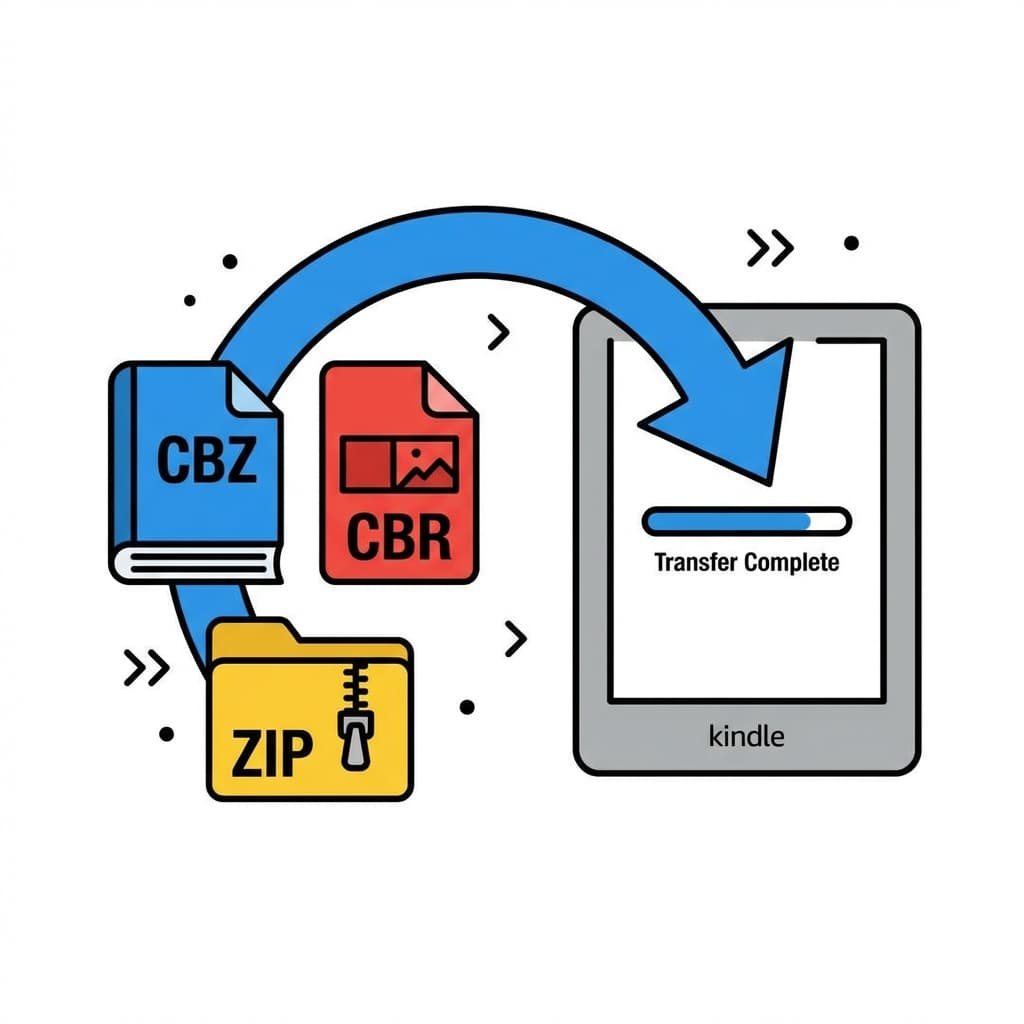
CBZ (Comic Book Zip) and CBR (Comic Book Rar) are the industry-standard formats for digital comics. Essentially, they are just renamed archive files containing a sequence of images.
Here is the problem: Kindle does not support them natively. If you try to email a .cbz file to your Kindle, it will bounce back or fail silently.
Option 1: Unzip and Convert to PDF (Legacy Method)
Many users try to unzip the archive and bundle the images into a PDF. Do not do this.
PDFs are poorly optimized for Kindle. They are heavy, result in slow page turns, and often break "Panel View" and Right-to-Left reading features.
Option 2: Convert to EPUB/MOBI (The Right Way)
To get a good experience, you must convert the archive into a proper ebook format.
- Using Calibre: A powerful, free tool. You can convert CBZ to AZW3 or KFX. However, it requires a PC/Mac setup, satisfying dependencies, and often a USB cable for the reliable transfer of large files.
- Using MangaSendr: We treat
.cbzfiles as first-class citizens. Simply drop a file into your watched folder. We automatically:- Extract the archive.
- Process/Optimize the images.
- Repackage into a Kindle-compliant EPUB.
- Inject Metadata (Author, Cover, Summary).
The choice is between manual tinkering or automated ease.
Ready to upgrade your reading experience?
Stop fighting with file formats. MangaSendr handles everything automatically.
Start reading with MangaSendr