Getting Started with MangaSendr: Your First Transfer
MangaSendr Team
2025-02-28
1 min read
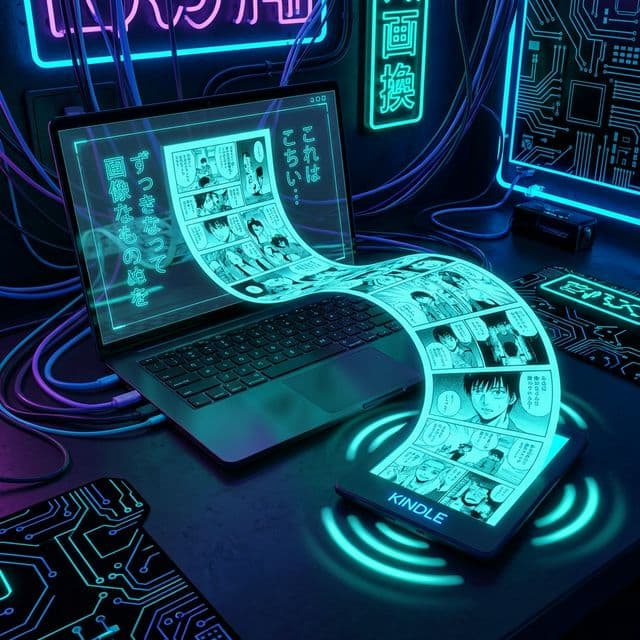
Welcome to the future of manga management. Let's get your first book sent in under 2 minutes.
Step 1: Set Up "Send-to-Kindle"
Go to your Amazon Preferences.
- Find your "Send-to-Kindle E-mail" (e.g.,
user@kindle.com). - Add
delivery@mangasendr.comto your "Approved Personal Document E-mail List".
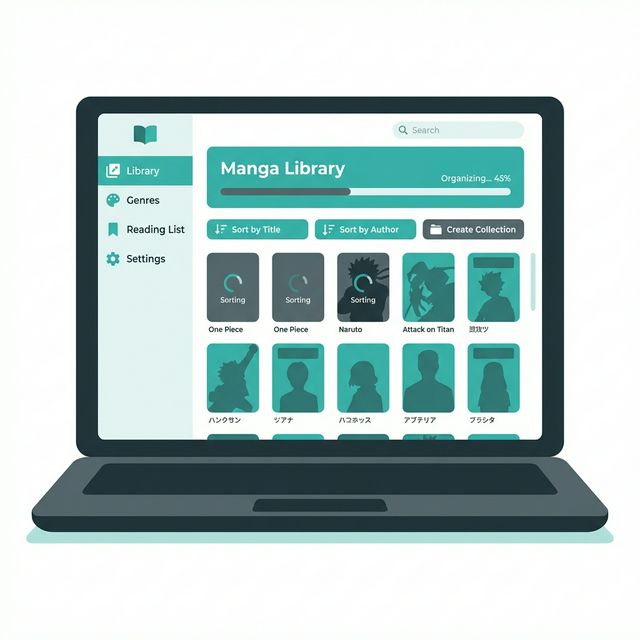
Step 2: Add a Watched Folder
Open MangaSendr and click "Add Folder". Select the directory where you download your manga (e.g., /Downloads/Manga).
Step 3: Drop and Done
That's it. Drag a .cbz or .zip file into that folder.
MangaSendr will instantly:
- Detect the file.
- Match it with AniList to get the cover/metadata.
- Convert and Optimize it for e-ink.
- Email it directly to your Kindle.
Check your Kindle "Library" tab in a few minutes, and start reading!
Tags:
TutorialProductGuide
Ready to upgrade your reading experience?
Stop fighting with file formats. MangaSendr handles everything automatically.
Start reading with MangaSendr