From Clunky PDFs to Perfect EPUBs: The Evolution of Digital Manga
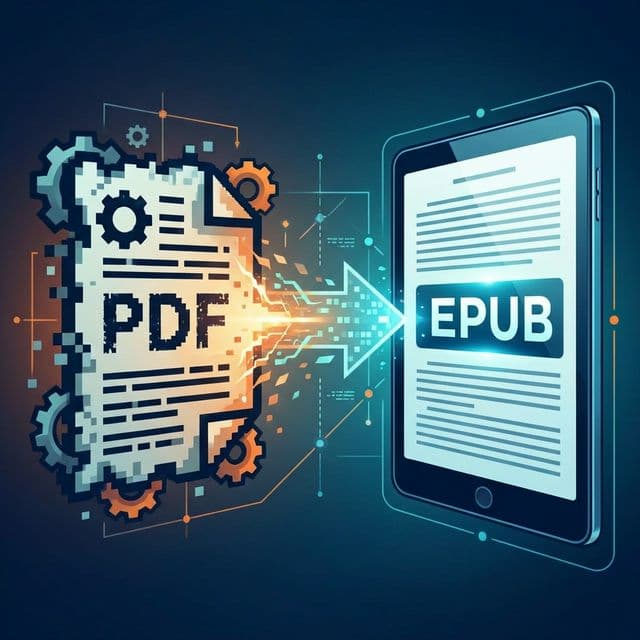
It's hard to remember the dark ages of digital manga reading. A decade ago, reading a fan translation meant downloading a massive, poorly compressed .pdf file or a folder of loosely named .jpg images, loading it onto an early iPad, and fighting with the zoom function just to read a speech bubble.
Why PDF Was the Worst Format for Comics
A PDF (Portable Document Format) is designed to look exactly the same on a printer as it does on a screen. It is a rigid, absolute container. This makes it terrible for mobile displays and e-readers.
- No Reflow: If the text is too small, you can't enlarge it; you have to zoom the entire page and pan around.
- Massive Overhead: PDFs contain huge amounts of vector and font metadata that e-readers struggle to process, leading to slow, sluggish page turns.
- Fixed Margins: If the scanner left a 2-inch white border, you're stuck with it, wasting precious screen real estate on your 6-inch Kindle.
The Rise of the Comic Archive (CBZ)
The community quickly adopted the CBZ (Comic Book Zip) format. It stripped away the PDF overhead. It was literally just a zip file of images. It was fast and simple, but it lacked intelligence. Finding a specific chapter in a massive CBZ was impossible because it lacked an internal table of contents.
The Modern Standard: The Manga EPUB
Today, the EPUB 3 format is the undisputed king. While EPUBs are famous for text books (because text can reflow), fixed-layout EPUBs are perfect for manga.
A modern Manga EPUB generated by tools like MangaSendr contains:
- Hardware-Specific Dimensions: The images are pre-cropped and resized to the exact pixel-by-pixel resolution of the target screen, meaning the device processor does zero work to render the page. It's instantaneous.
- Rich Metadata: It contains XML files detailing the Author, Publisher, Synopsis, and a full navigational Table of Contents (letting you skip instantly to Chapter 42).
- Reading Direction Toggles: It tells the e-reader to explicitly use Right-to-Left (RTL) page turns.
We've come a long way from squinting at laggy PDFs. If your digital library is still filled with legacy PDFs, you're missing out on the speed and beauty of modern e-reading. It's time to upgrade your pipeline and convert those dinosaurs into perfect, native EPUBs.
Ready to upgrade your reading experience?
Stop fighting with file formats. MangaSendr handles everything automatically.
Start reading with MangaSendr